
Look beyond a title
Search an artist, subject, material or culture. The catalogue joins discoverable metadata while keeping the museum identity on each work.
A free art and culture utility
Find a work. Follow its artist. Read its collection record. An ad-free way to explore open museum metadata through VISINVOKE.
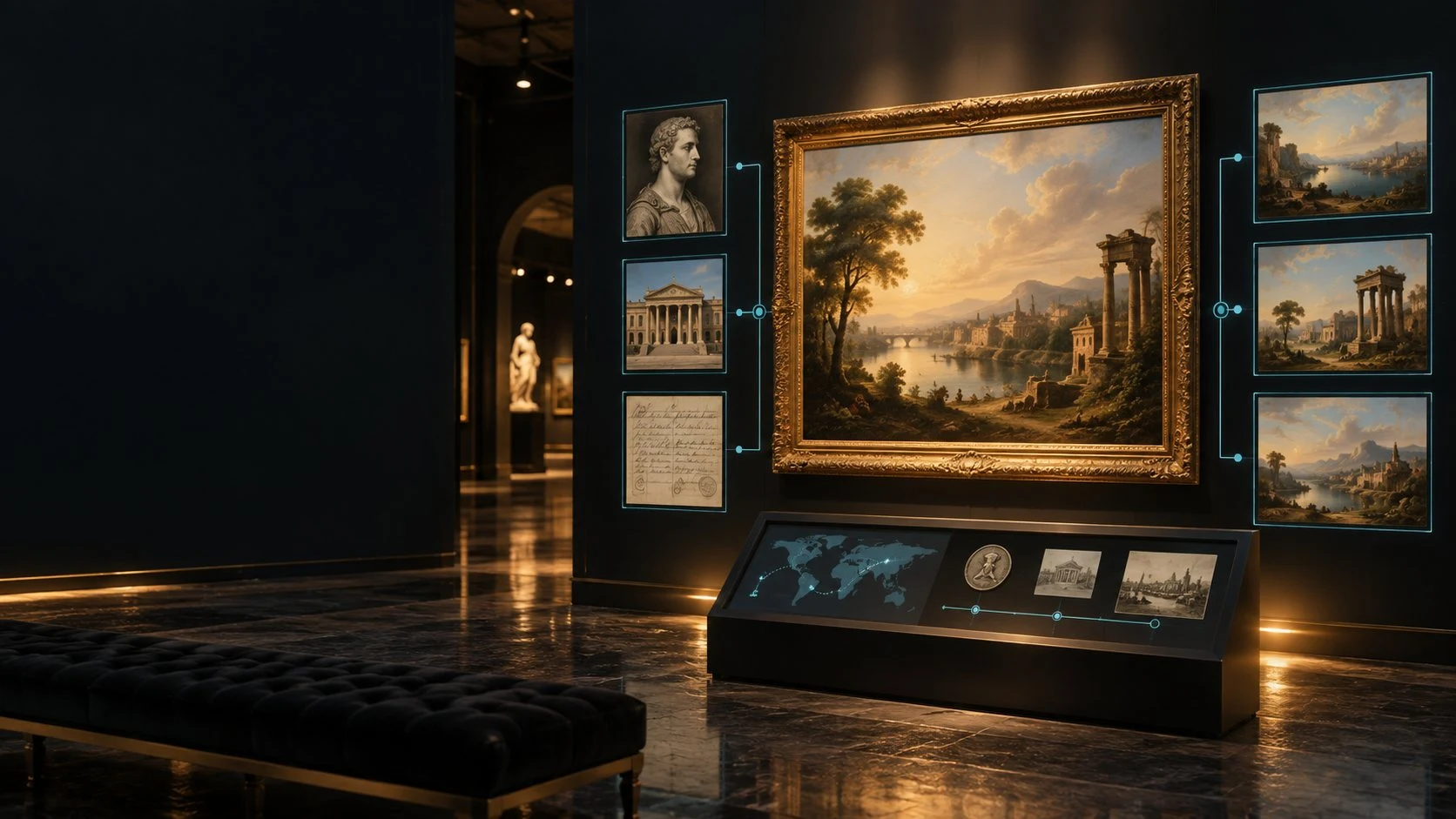
Great collections, clearly catalogued
Art & Museum Explorer connects search, artwork details and artist pages in a records-first experience for Windows and Android.
Search an artist, subject, material or culture. The catalogue joins discoverable metadata while keeping the museum identity on each work.
Read the available date, medium, dimensions and classification without treating a missing field as a known fact.
Move from a work to its linked artists, then read other works and their collections. Artist names are joined by normalised display name.
Each work retains its collection attribution. Review the record and its source when exploring the published facts.
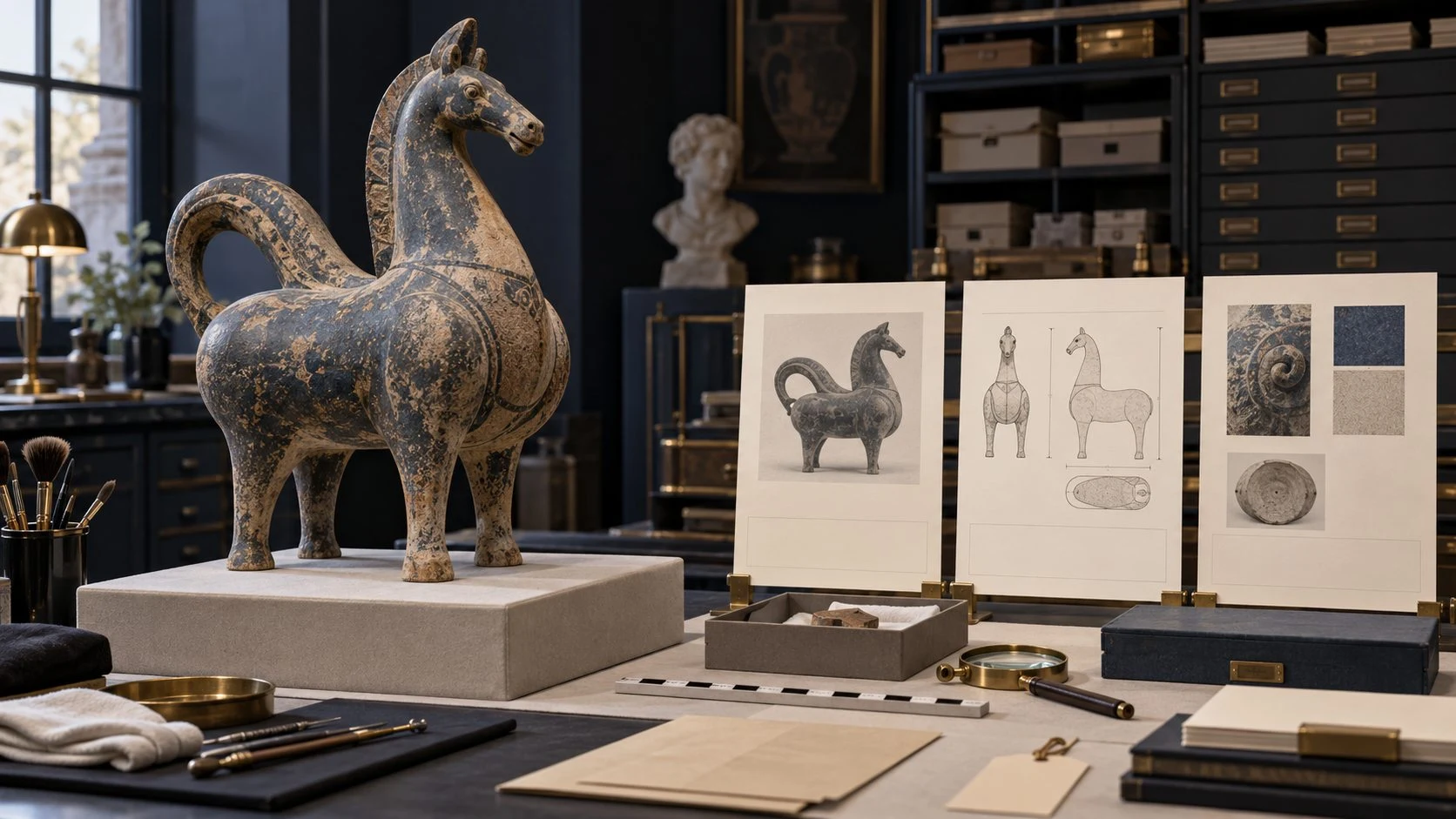
An object and its context
The illustration shows a fictional object beside study cards. It represents reading collection facts, rather than an application screen.
The record view brings together available medium, dimensions, dates and collection details. Source attribution stays with the record.
A journey through the catalogue
The records-first workflow keeps discovery and context together.
Search with at least two characters, or choose a collection filter to browse without a search phrase.
Choose a museum, classification or century. Use the Met public-domain flag when that distinction is useful.
Read published facts, artist roles, tags and attribution. The museum page address is shown as text in the record.
Select two to four works for comparison. Keep useful records in device-local favourites and revisit recently viewed works.
Your collection discovery tools
Search collection records, follow artists and compare the published facts.
The explorer searches collection titles, artist names, materials, cultures, places and tags in the VISINVOKE-hosted catalogue.
Narrow a search by museum, object classification or century, including BCE dates. The public-domain filter uses the recorded Met flag.
Artwork records show available dates, medium, dimensions, culture, credit line and other collection facts, with the museum source retained.
Artist pages bring together linked works, recorded life dates and nationality, plus a breakdown of works by museum.
Browse works marked as collection highlights by The Met, then open a record to read its context.
Line up selected records by artist, museum and the facts available for each work. An empty comparison cell stays empty.
Favourites and recently viewed works are device-local lists. They are designed for returning to records, without account synchronisation.
Start Here introduces search, filters, artwork records and highlights. Help explains dates, sources, rights and why this version has no artwork images.
Different starting points
The catalogue supports several ways into the same published records.
Find linked works through artist names, titles and subjects. Read the artist page alongside its collection context.
Browse classifications or search a material. A vessel, armour record or print can lead to a different part of the collection.
Use a century filter, including BCE periods, or search cultural context. Original date wording stays visible in artwork facts.
Choose The Met or an included Smithsonian art collection. Highlights use the Met’s published collection flag.

Records first
This fictional gallery illustration expresses the subject of the explorer. The application itself uses designed placeholder tiles.
Artwork photographs are not shown in this version. Metadata rights and image rights are separate. Review the source and rights for any photograph you want to use.
Keep the collection in view
The comparison lines up the information each museum actually recorded.
Keep the selection small enough to compare. Each selected work retains its museum and artist context.
Compare dates, media and other available facts by label. An absent value is left blank rather than filled by inference.
Open an artist to read recorded life dates, nationality and linked works. A shared display name is not independent identity verification.
Favourites and recent works give you local ways back. They are separate from a personal collection catalogue or a research archive.
Sources and rights
Collection data: The Met Open Access and Smithsonian Open Access (CC0), served by VISINVOKE.
Each artwork record keeps its source and museum. VISINVOKE hosts the selected catalogue; it does not imply museum endorsement.
The catalogue is a VISINVOKE-hosted copy. Collection documentation can change or be incomplete; this is not a real-time museum service.
The Met metadata dataset excludes images. Smithsonian imports are limited to records marked CC0; photographs need their own reuse evidence.
Favourites and recent works remain on this device. Previously cached records can support limited offline reading; there is no full offline collection download.
Free access
Art & Museum Explorer is a full standalone free informational utility for Windows and Android.
No paid tier or separate product subscription is assigned to this utility. A free VISINVOKE account is your access route.
Explore open museum metadata with collection attribution, available facts and clear information limits.
Explore the utility through Desktop Command Centre on Windows and VISINVOKE on Android.
Image systems and other tools keep their own terms and availability. Museum metadata access does not include paid image creation or grant image rights.

The application brings open museum records into the VISINVOKE free offering.
Read artwork facts, artist information and collection identity together.
Help covers dates, sources, public-domain flags and records-only presentation.
Use your free VISINVOKE account to explore records and the wider collection of tools.
Explore other VISINVOKE tools
Each card opens that product’s own website. Review its purpose, availability and access independently.
Manage access to VISINVOKE products through your account.

Convert supported files locally on Windows.

Work with images using a separate focused utility.

Plan local backups for your own files.

Explore a separate commercial image-creation product.

Explore a separate fantasy image-creation product.
Editorial art is fictional illustration, not application screens, museum-supplied artwork or photographs displayed by the explorer. Related products do not promise automatic transfers or included access.
Quick answers
Understand the explorer, its collection data and the rights attached to that information.
Art & Museum Explorer is a free records-only art and culture utility for Windows and Android. Explore collection records, follow artists and compare published facts through VISINVOKE.
Art & Museum Explorer is free with a VISINVOKE account: a full standalone informational utility with no paid tier or separate product subscription. Related products have their own access arrangements.
This version is records only. It uses designed placeholder tiles, not artwork photographs. Images on this website are fictional editorial illustrations, not application screens or museum collection images. Metadata rights and photograph reuse rights are separate.
The catalogue is built from The Metropolitan Museum of Art Open Access and approved Smithsonian Open Access metadata. CC0 metadata is selected and hosted by VISINVOKE. A record keeps its collection attribution; the application does not contact museum services while you browse.
The flag follows the Met record. Smithsonian records in this version leave that field unknown. A metadata licence or record flag does not grant rights to every photograph or use of an artwork. Follow the original source and the relevant image rights.
Favourites and recent records are kept on the device where you use the application. They do not synchronise between computers or with Android. Limited offline access is designed for previously cached records; it does not download an entire museum collection.
Continue in VISINVOKE
Create a free VISINVOKE account to explore the wider offering. Desktop Command Centre is available through your account installer page.
Explore Art & Museum Explorer through VISINVOKE on Windows and Android.